
Download Microsoft Mathematics – math solver, equation solver, graphing calculator, step-by-step solutions, trigonometry, algebra, calculus, physics, chemistry
Overview
Microsoft Mathematics is a powerful educational tool designed to support students in mastering core mathematical and scientific concepts. Developed by Microsoft, the application offers a structured approach to learning and problem-solving across key academic disciplines, including pre-algebra, algebra, trigonometry, calculus, physics, and chemistry. Its primary purpose is to assist students in completing schoolwork with greater accuracy and deeper understanding, transforming abstract mathematical ideas into tangible, interactive experiences. The app serves as both a computational aid and a learning companion, helping users not only arrive at correct answers but also comprehend the underlying processes.
Target users include high school and early college-level learners who require reliable tools to support their studies. The app is particularly beneficial for students struggling with complex equations or visualizing mathematical functions. Real-world use cases include homework assistance, exam preparation, and self-paced learning. By integrating step-by-step guidance with visual tools, Microsoft Mathematics helps bridge gaps in foundational knowledge, making it a valuable addition to the educational technology ecosystem. While the developer did not provide additional technical details about its development history or research backing, its alignment with Microsoft’s long-standing commitment to educational innovation suggests a focus on accessibility and pedagogical effectiveness.
Key Features & Functionality
- Step-by-Step Equation Solving: The app breaks down complex equations into manageable steps, guiding users through each stage of the solution. This feature supports learning by highlighting logic and mathematical rules, helping students understand not just the answer, but the process behind it.
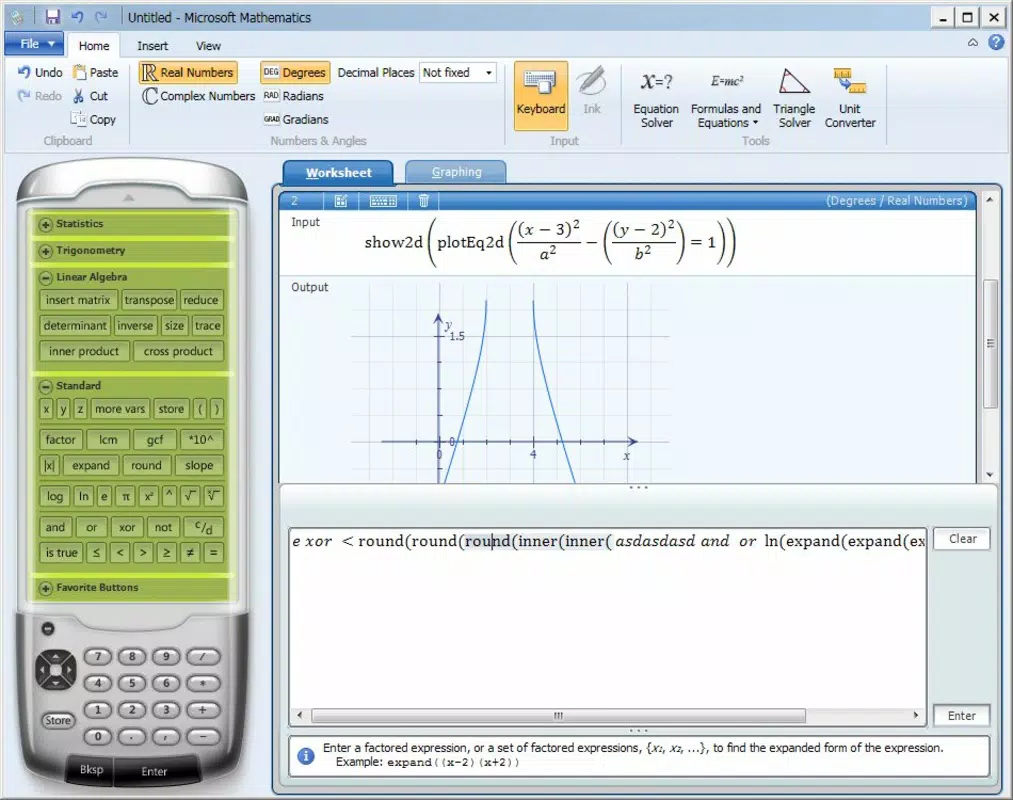
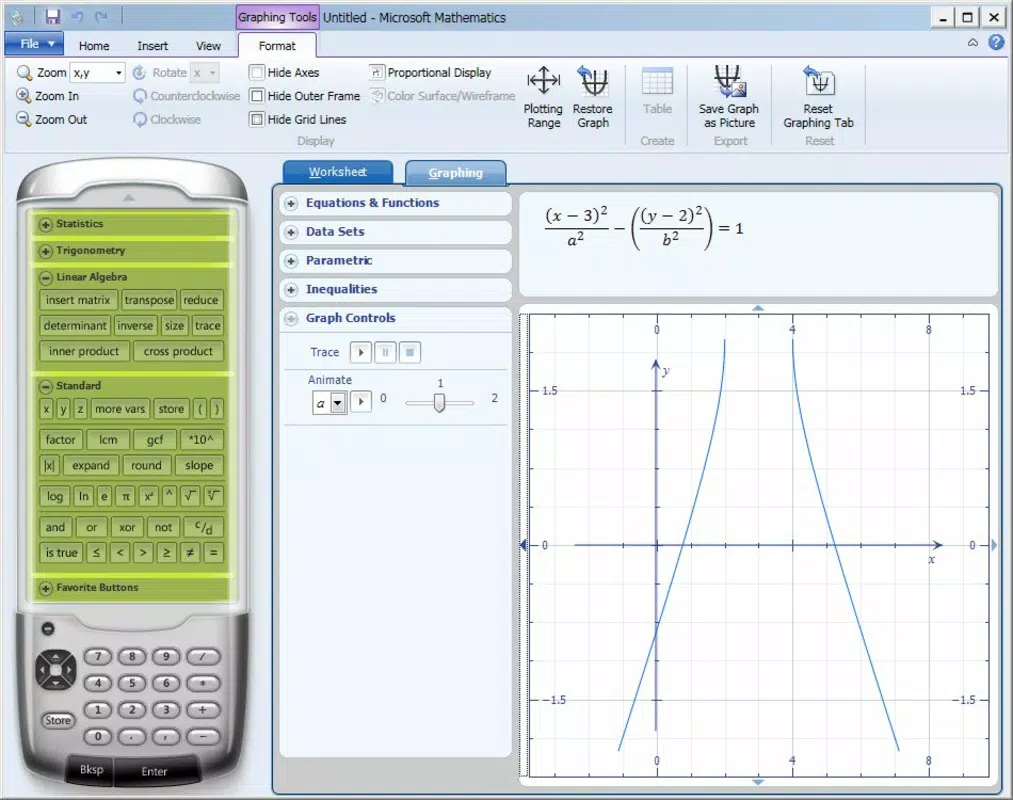
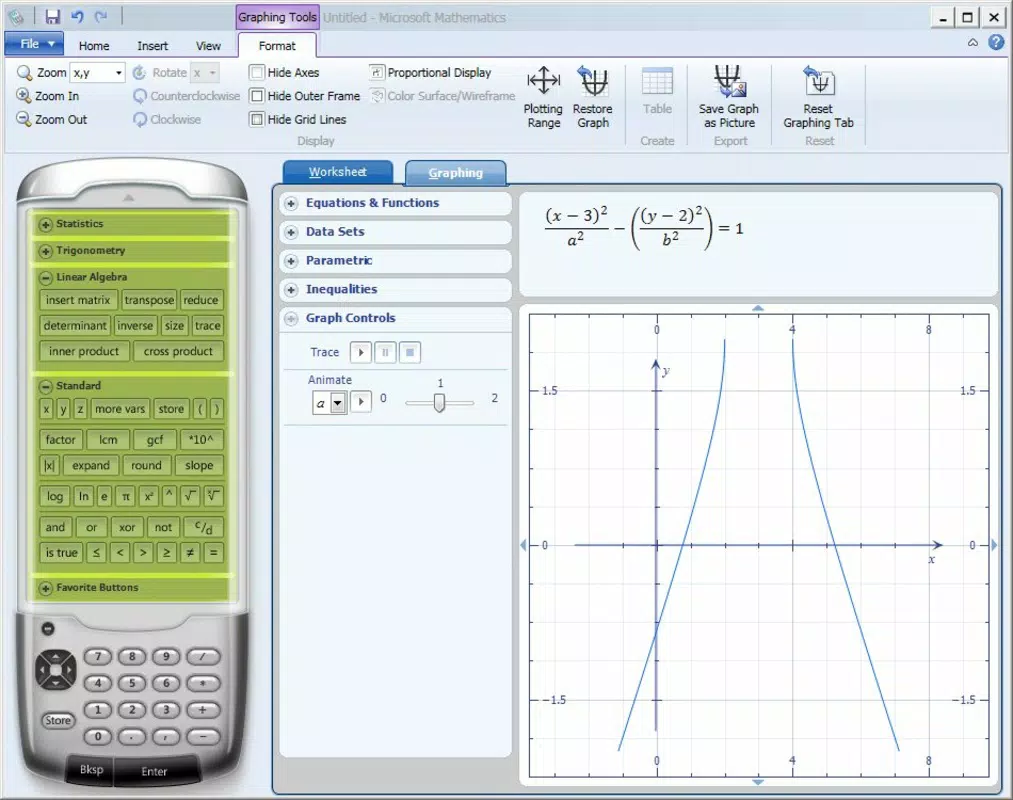
- Full-Featured Graphing Calculator: Users can plot functions, analyze curves, and explore transformations in real time. The graphing tool functions similarly to a handheld calculator, offering a dynamic way to visualize relationships between variables and identify key points such as intercepts and asymptotes.
- Triangle Evaluation Tools: This feature enables users to compute missing angles and side lengths in triangles using trigonometric principles. It is especially useful in geometry and physics problems involving vectors or forces.
- Unit Conversion and System Solving: The app includes tools for converting between different measurement systems and solving systems of linear equations, streamlining tasks commonly encountered in science and engineering coursework.
- Intuitive Interface with Educational Focus: The layout is designed for clarity and ease of access, allowing users to quickly switch between tools without confusion. This supports efficient learning, particularly during time-sensitive academic tasks.
For example, a student working on a calculus assignment can use the graphing calculator to visualize a derivative’s behavior, then apply the step-by-step solver to verify their manual calculations. Similarly, a physics learner can use the triangle tool to resolve vector components and cross-check results using the equation solver.
Interface, UX & Performance
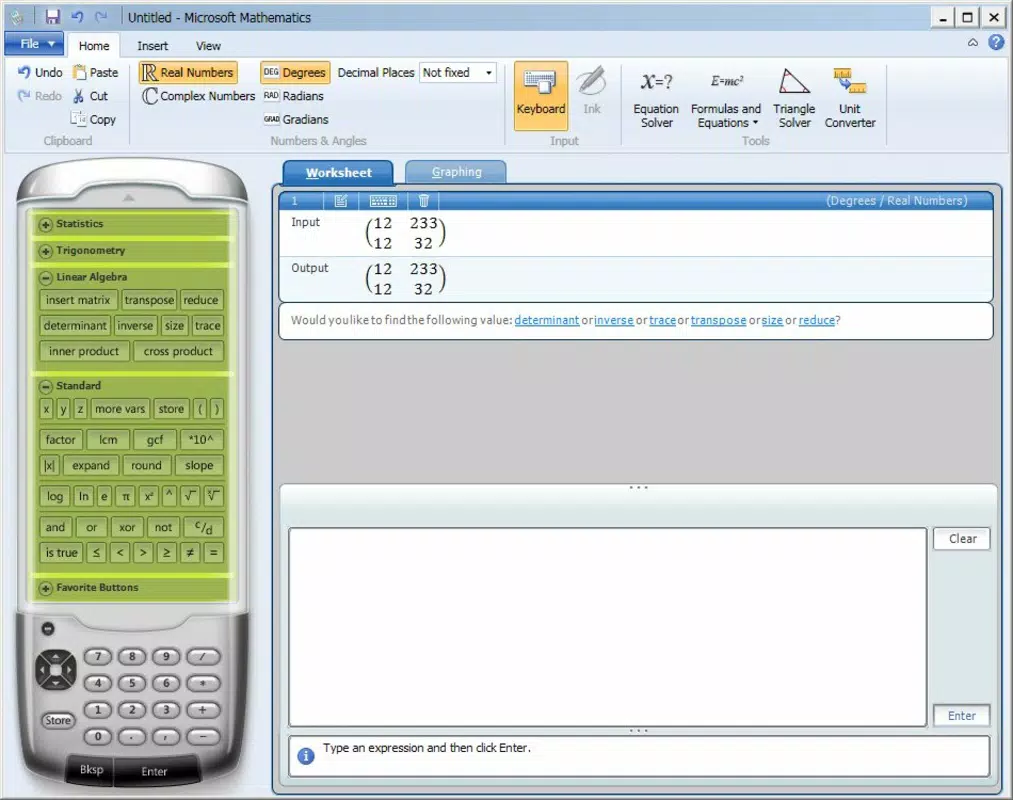
Microsoft Mathematics features a clean, minimalistic interface that prioritizes functionality over visual flair. The layout organizes tools into clearly labeled sections, with intuitive navigation that minimizes the learning curve. Users can access the graphing calculator, equation solver, and other utilities through a well-structured menu system. The visual style is consistent with Microsoft’s educational software standards—practical, readable, and distraction-free.
Navigating between features is smooth, with responsive controls and immediate feedback on input. The app maintains stability during extended use, with no reported crashes or freezes. Although the developer did not list formal performance metrics, the lightweight file size of 24.5 MB suggests efficient resource usage across a range of Windows devices. The application performs reliably on both older and newer systems, ensuring broad accessibility for students using different hardware configurations.
Platform Compatibility & Technical Requirements
Microsoft Mathematics is available exclusively on the Windows platform. The current version is 4.50, with a file size of 24.5 MB. The app is offered at no cost, making it accessible to a wide audience. While the developer did not specify minimum OS requirements, the application is compatible with modern Windows operating systems, including Windows 10 and Windows 11. Specific requirements were not listed, so users should ensure their system meets standard Windows compatibility standards for software execution.
Pros and Cons
Pros
- Free to download and use, reducing financial barriers to educational tools.
- Step-by-step solutions promote genuine understanding, not just answers.
- Graphing calculator supports real-time visualization of mathematical functions.
- Wide range of tools covers multiple STEM subjects, enhancing versatility.
- Lightweight size ensures quick installation and minimal storage impact.
Cons
- Platform availability is limited to Windows, excluding mobile users.
- No cloud sync or cross-device access is available.
- Interface lacks modern design elements, appearing dated compared to current apps.
- Updates and future development status are not publicly disclosed.
- Does not support touch-based input, limiting usability on tablets.
FAQ
Is Microsoft Mathematics available for Android or iOS?
Currently, Microsoft Mathematics is only available for Windows. There is no official version for Android or iOS devices.
Can I use Microsoft Mathematics offline?
Yes, the app does not require an internet connection to function, making it suitable for use in classrooms or areas with limited connectivity.
Is Microsoft Mathematics safe to download?
Yes, the app is developed by Microsoft and distributed through official channels. It is free from malware and secure for educational use.
How often is Microsoft Mathematics updated?
The developer did not disclose the update frequency. The latest version available is 4.50, released on July 12, 2023.
Does Microsoft Mathematics support handwriting input?
There is no indication that the app supports handwritten equation input. Users must enter equations using a keyboard.
Final Thoughts
Microsoft Mathematics remains a reliable and effective tool for students navigating the challenges of STEM education. Its combination of step-by-step guidance, a full-featured graphing calculator, and support across multiple subjects makes it a standout in the educational software space. While its interface may appear outdated and its platform is limited to Windows, the app delivers significant value for learners who need a trustworthy, free, and functional math companion. It is particularly well-suited for high school students and early undergraduates seeking to strengthen their foundational skills in algebra, calculus, and beyond.
For those using Windows devices, the app offers a secure, lightweight, and comprehensive solution for tackling complex problems. With no cost and immediate access, it represents a smart choice for academic success. Download Microsoft Mathematics now.


